
Please note: As of version 12.2.0, the helper class described here is available in my Pixata.Blazor.TelerikComponents Nuget package. See the package Readme.md file for usage and configuration details.
By default, when a Telerik Blazor grid doesn't have any data, it shows a rather geeky message...

I would prefer something rather more user-friendly. However, Telerik keep all the values for such things in resource files, and adding custom ones seemed to be a rather painful business of copying the resource files and modifying the odd bits here and there. If you upgraded the package version, you would need to do this all over again. Can you say "bleah" boys and girls?
Turns out that there is a much simpler way to do this. As I only want to change a couple of strings, it can all be done within a standalone class. Here is my modified version of their sample class...
public class LocalisationHelper : ITelerikStringLocalizer {
  private readonly ITelerikStringLocalizer _fallback = new TelerikStringLocalizer();

  private readonly Dictionary<string, string> _ownStrings = new() {
    { "Filter_SelectValue", "All" },
    { "Grid_NoRecords", "Sorry, nothing matched your filters. Please widen your search criteria" },
  };

  public string this[string name] =>
    _ownStrings.ContainsKey(name)
      ? _ownStrings[name]
      : _fallback[name];
}
Telerik have a list of the messages they supply, although finding the right entry is there isn't easy!
You then register this class in Program.cs (server, client or both if you have a mixed-mode app)...
builder.Services.AddSingleton(typeof(ITelerikStringLocalizer), typeof(LocalisationHelper));
That's it. You don't need to change your grid markup at all, the values in the class are picked up automatically. Now the grid looks much more user-friendly...

Another one that irritated me was the way an enum is handled when your grid has a row filter. The grid picks up the enum values and creates a dropdown (very neat), but adds a rather ugly entry as the default...
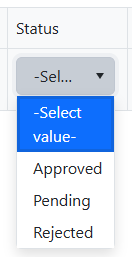
Apart from the misleading wording (which sounds like you need to select a value in order to see any data), the message is just too long in many cases. It would be far better (in my opinion at least, and as this is my blog, that's what you're going to have to put up with 😎) to use "All" as the first entry. This is more accurate and is nice and short.
Using the LocalisationHelper class above, this can be applied right across your app...
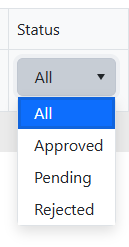
Much nicer!
Overriding the grid's "No data" message on an individual basis
As I was showing this to another developer, he pointed out that you can customise what is displayed when the grid doesn't have any data by using the <NoDataTemplate> section of the grid markup. This allows you to be more type-specific...
<TelerikGrid>
  <NoDataTemplate>
    Sorry, we don't seem to have any gribulators to show you here
  </NoDataTemplate>
  <GridColumns>
    @* Add column declarations here *@
  </GridColumns>
</TelerikGrid>
Of course, we aren't restricted to plain text as we were before...
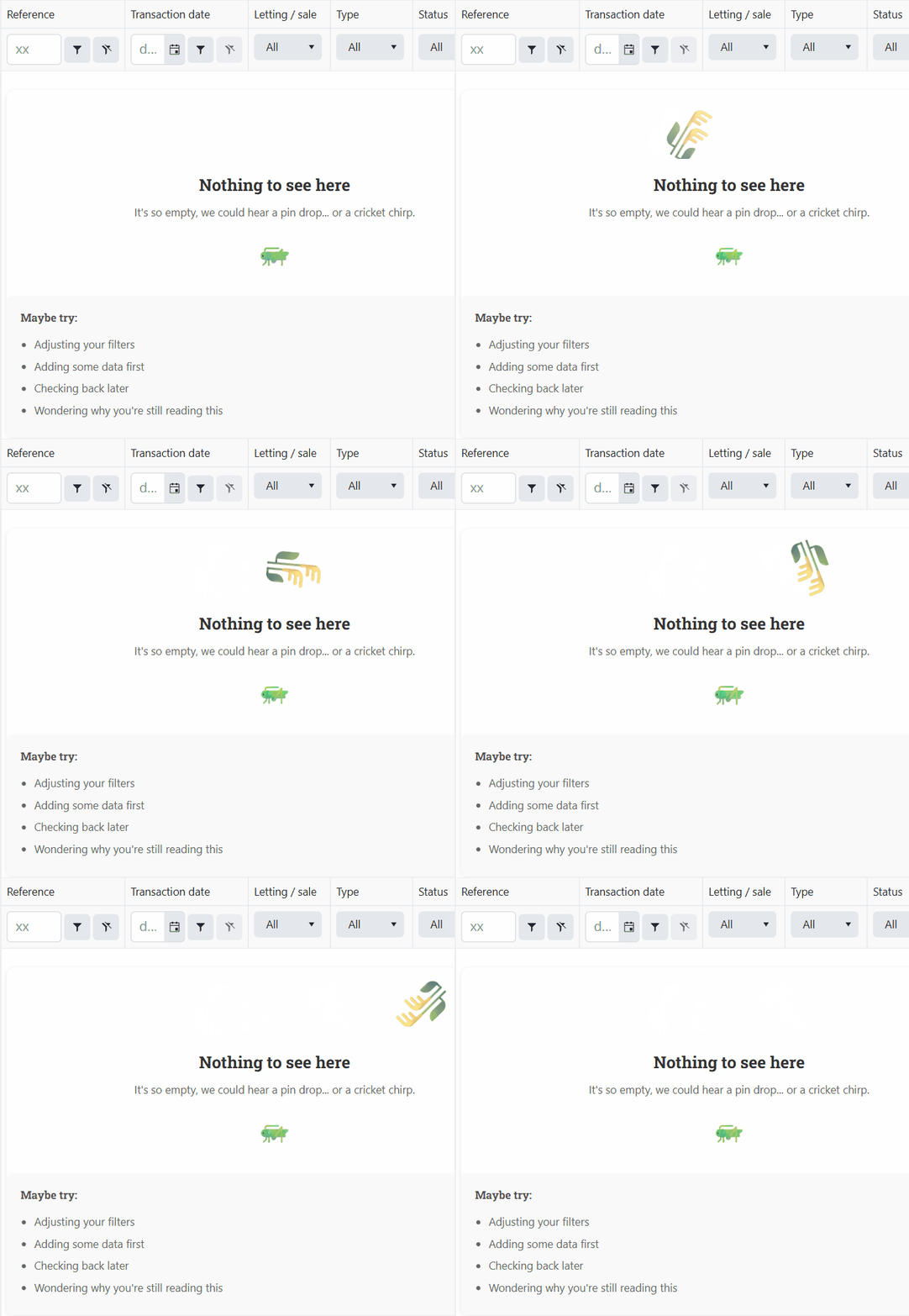
The possibilities are endless 😁
Comments
No approved comments yet.