
Search
Showing posts tagged C#.


Symbolic differentiation in C#
My attempt to write some C# that would differentiate mathematical expressions, following some Lisp code I saw in a book

LeetCode 200 - Counting islands
My C# solution to LeetCode problem 222, counting islands. A first (slightly incorrect) attempt in a procedural manner, followed by a Linq solution that worked

Converting hex to int and back again in C#
Quick post on how to convert from an integer to its equivalent hex value and back again in C#. Written as a reminder for myself, as I forget every time!

Making C# more functional by adding a With method
The "with" keyword is a crucial part of a functional programmer's toolbox, but is sadly lacking in C#. In this blog post, I document the development of a template that will automatically generate a With() method for C# classes.

Discriminated unions in C#
How to generate classes to represent discriminated unions in C#


Mazes For Programmers part 4, implementing the first two algorithms
Part 4 in my ongoing series of how I implemented the code from Mazes For Programmers by Jamis Buck in C#.
In this post, I explain how I implemented the first two maze-generation algorithms in C#, and show how parts of the code were improved by using Linq.

Retrying a failed operation
One of our main applications involves interacting with a third-party API. Whilst this is generally stable, we have had cases recently where it was throwing random exceptions. We could make the same request with the same parameters multiple times, and sometimes it would work, and sometimes it wouldn't.
While we left the owners of the third-party API scratching their heads, we realised that the way we handled interaction with such APIs wasn't robust enough. The first (and most obvious) improvement would simply be to try again.
As this is the sort of thing we'd want to do in a number of places, rather than repeat the same boilerplate code over and over again, we looked for a helper class.

Finding similar words
We had a situation in which application users were not checking the customer list before adding new customers, which was resulting in multiple entries for the same customer. We wanted to make it so that when they tried to add a new customer, they would be shown a list of possible duplicates.
It turned out that finding duplicates wasn't as easy as I thought. I ended up with a helper class that used Metaphones to find similar customers. This post describes the class, and shows how to use it.

A DateTime and time zone issue that may surprise you
I was working with a third-party API, and had to specify a date range object, with a start and date. The problem was, their server was throwing intermittent exceptions when I passed this date filter object as a parameter, claiming that the start date was after the end date. I checked the data, and I was definitely sending a valid date range.
The answer to the problem turned out to involve a little-known (to me at least) part of DateTime. Not the sort of thing you encounter every day, but worth knowing about for the times when it hits you.

Func vs Expression - The LINQ expression node type Invoke is not supported in LINQ to Entities
I had an odd problem, the resolution of which exposed an interesting bit of information about what goes on under the C# covers that we never usually know.
I had a Linq query that worked fine on its own, but failed at run time when I extracted it into a method and passed in a lambda.
Whilst trying to work out why this was happening, I came to an understanding of the difference between a Func and an Expression, and why it (sometimes) matters.

Getting the name of the calling method
A quick and simple way to find out which method called the current one.

Parsing CSV files in .NET without any third party packages
I discovered a gem of a class hidden away in the .NET framework that makes parsing CSV files very simple.
Read more for details, and some sample code.

A better way of handling exceptions
Like most of us, my applications usually have a global unhandled exception handler, in order that the inevitable unhandled exception won't crash the system.
The problem with this is that by the time you get to the exception handler, you've completely lost the context of what was happening. You're in an isolated, global context, away from any window.
What you really want is to get immediate feedback when there's been a problem, so you can react appropriately for the situation. For example, failure to load a customer list could be handled by trying again, up to a maximum number of attempts, before informing the user that the list couldn't be loaded. By contrast, if they were trying to save an individual customer (presumably from a customer details window), you'd react differently.
Around a year ago, whilst contemplating this issue, I had an idea that turned out to be an excellent answer to the problem. It turned out that this wasn't an original idea (it was too obvious for that), but as I hadn't come across it before, I didn't know that at the time.
In this post, I describe the Fallible type, and how it can be used (really easily) to simplify and improve your exception handling.

Querying a database schema in LinqPad
As part of some overall auditing in one of my projects, we recently added a LastUpdatedByUserID column to all of the major tables. As the name implies, this column stores the ID of the user who last updated the row. In order to keep an audit trail of the changes, for each table in the database, we have a corresponding TableName_Audit table that is updated (by triggers on the main table) every time the main table is modified.
I noticed that for one of the tables that had had the LastUpdatedByUserID column added, the script to regenerate the audit table hadn't been run, so the audit table was missing the LastUpdatedByUserID column. This would entirely nullify the point of the column.
This led me to wonder if there were any other tables in the same state. rather than check this manually, I decided to write a script to do it, as this would be useful for future tables. Being a Linq type of person (I rarely write SQL any more), I decided to see if I could do this in LinqPad.
It took a bit of fiddling, but the end result was what I wanted, and paved the way for future queries.
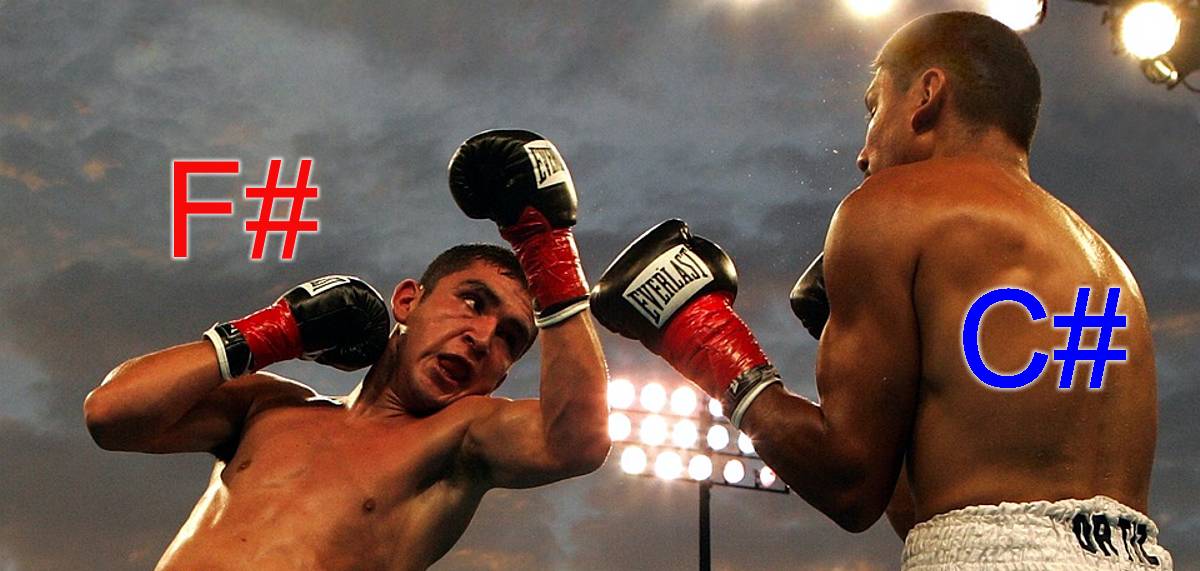
F# vs C# - A simple comparison
A while back I blogged about a situation where thinking out of the box helped me write some code more quickly. In a nutshell, I needed to extract an exchange rate from an XML feed, and found that by using F# to do it, then translating the code back to C#, it was much easier than trying to write the code in C# in the first place.
I thought it might be interesting to revisit this in both languages, and compare the two experiences. I found this to be a significantly better sales pitch for F# than anything else I've seen.
Taking the pain out of regular expressions
If you've ever had to write or read a regular expression, you won't need any convincing that a tool to make this easier would be useful!
If you aren't familiar with regexs (as they are colloquially known) then it's worth getting to know, as they can be amazingly useful at times. Sadly, they can also be amazingly difficult to write, and impossible to read afterwards!
Here are a few tips for taking away the pain.

How to see what the user was doing when the error occurred
Does this sound familiar...
User: Your app just crashed
You: What happened?
User: It crashed
You: (sigh) What were you doing at the time?
User: Using the app
You: (sigh) What specifically were you doing?
User: I was clicking in that box
You: Which box?
User: You know, the one on the window you get when you click the other button
...and so it goes on
Read how we managed to get useful information about errors without having to suffer speaking to the users!

Thinking outside the box
A hopefully enlightening story.
I had the need to get the latitude and longitude for UK postcodes. Knowing that another developer had recently done a lot of work doing similar things using the Google Maps API, I had a look at the code she had written. Following the Google guidelines, she had ended up adding wads of C# classes, defining the various data types that the API returns, as well as a lot of helper methods to parse the data. I had that horrible sinking feeling you get when you can see a small design requirement blow up out of all proportion.
Whilst contemplating the problem, I had an epiphany, and realised that I could solve the problem in a much simpler way, albeit with some initial effort. I thought the technique might be useful to others, but more significantly, thought that the idea of thinking outside of the box may be of interest.

Implementing a testable "Are you sure?" pop-up in MVVM
A few years ago, I blogged about how to implement an "Are you sure" pop-up in MVVM. Well, I've grown up (a bit) since then, and realised that the code there wasn't testable. I therefore take great pleasure in presenting for your delight, a testable "Are you sure" pop-up in MVVM. Aren't I kind :)
Being good boys and girls, we want to write testable code, so if by some miracle we ever get around to writing unit tests, we can run them safe in the knowledge that they stand a fetid dingo's kidney's chance of working! One of the main issue involved here is ensuring we keep all view-related code out of the view model.
This post explains how to do it (with some pointless pictures)
Project Euler - Problem 8 Largest product in a series, or "What I learned in school today"
As I briefly mentioned in my rant about the F# fanboy lies , I have been using Project Euler to help me learn F#. I have got as far as problem 8, which was to find the largest product in a series of digits.
Apart from the fact that this was an interesting problem, I learnt a very important lesson from this one, and thought it worth sharing.
Solving the anonymous types problem with tuples
One of my first posts on this blog was about the problem of using anonymous types when you want to send the data outside of your current class. At the time, the only way I knew to solve this was to create a simple class that had the structure of the anonymous type, and create one of these instead of the anonymous type. I do this regularly, although I have taken to naming such classes CustomerOverview, OrderOverview, etc, instead of CustomerTmp as I did in that blog post, as they aren't really temporary classes at all, they are slim, flattened overviews of the class.
This approach works well, but it can have its downsides. One, as mentioned in that post, is that it is easy to end up with a proliferation of classes, many of which may only be used in one location in the code. If the classes represent lightweight views of entities in the model (such as the two examples shown above), then I don't worry about this, as it is clear what they represent, and it's fairly certain that I'll end up using them somewhere else at some point.
How to add a property to a WPF user control and have it show up in the Properties panel of the Visual Studio designer
I had the need today to add my own property to a WPF user control, and have that property available in the Properties panel of the Visual Studio designer, so the property could be set at design-time. The purpose of this was that my user control had a toolbar, and I had come across the need to use the control, but not show the toolbar. Simple eh? Well, not quite!
Implementing an "Are you sure?" pop-up in MVVM
A common scenario is to have a button on a view that is bound to a command on the viewmodel. You can also have an ABCCommandCanExecute() method on the VM that tells the view whether or not the button can be clicked.
This is all fine until you want to ask the user to confirm the action that will be performed when they click the button. For example "Are you sure you want to reformat your hard disk, dial up all the people in your contact list and reformat their hard disks, and then destroy the world?" It's kind of rude to do this without confirmation first.
The problem is that when you use WPF binding to bind the VM's command method to the button's Command property, you lose control over the execution process, and so can't inject a message box into the flow.
Passing custom and anonymous types across code boundaries
Linq is great for grabbing entity objects. The code is simple, and you end up with known objects that you can use.
But, when you want to deal with anything slightly off the beaten track, it gets a bit harder. For example, if you have a Linq query that returns an anonymous type, you can easily manipulate it in the same code block.
Here I detail an early exploration into the world of anonymous types